01Core 1
220-1201
Master devices, networks, hardware, cloud concepts, and hands-on troubleshooting.
- Mobile Devices
- Networking
- Hardware
- Virtualization & Cloud Computing
- Hardware & Network Troubleshooting
Core 1 + Core 2 exam prep
Prepare for Core 1 and Core 2 with realistic practice questions, detailed explanations, PBQs, study tools, and full-length practice exams.
Download on theApp Store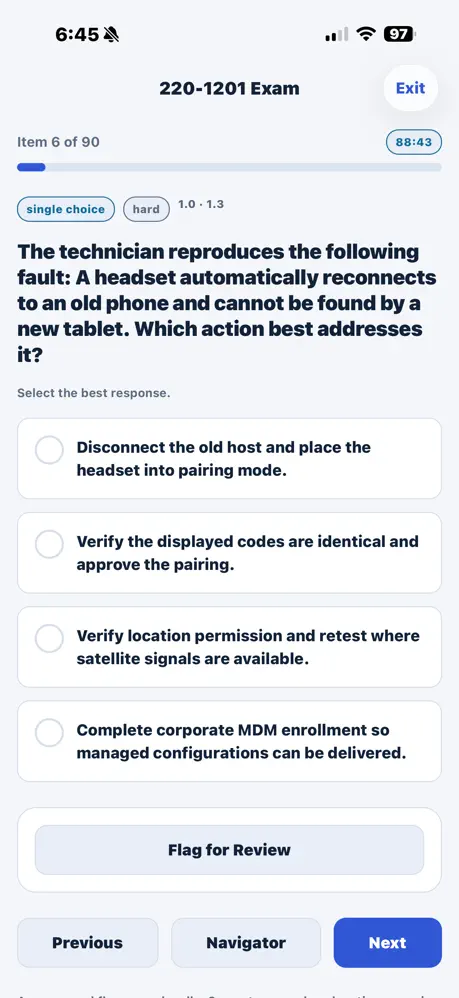
Complete coverage
Build knowledge across every major objective for Core 1 and Core 2—all inside one focused study app.
Master devices, networks, hardware, cloud concepts, and hands-on troubleshooting.
Strengthen practical skills across operating systems, security, software, and operations.
Practice with purpose
The app is more than a question bank. Every session helps you understand the reasoning, spot knowledge gaps, and retain what you learn.
Detailed explanationsLearn from correct and incorrect answers.
Focused reviewPractice by topic and revisit missed questions.
Visible momentumTrack question history and progress over time.
Realistic exam practice
Take timed Core 1 and Core 2 simulations, review your scores, and identify the areas that deserve your next study session.
Start Preparing Today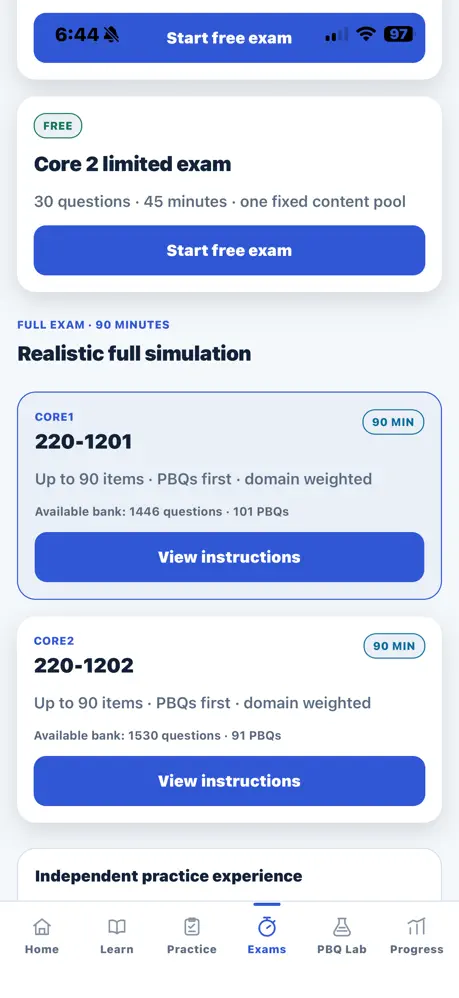
Performance-based practice
Work through original PBQ-style activities designed to help you apply your knowledge in practical situations.
Diagnose realistic support scenarios step by step.
Practice component and configuration decisions.
Apply foundational network concepts in context.
Work through OS tasks and security scenarios.
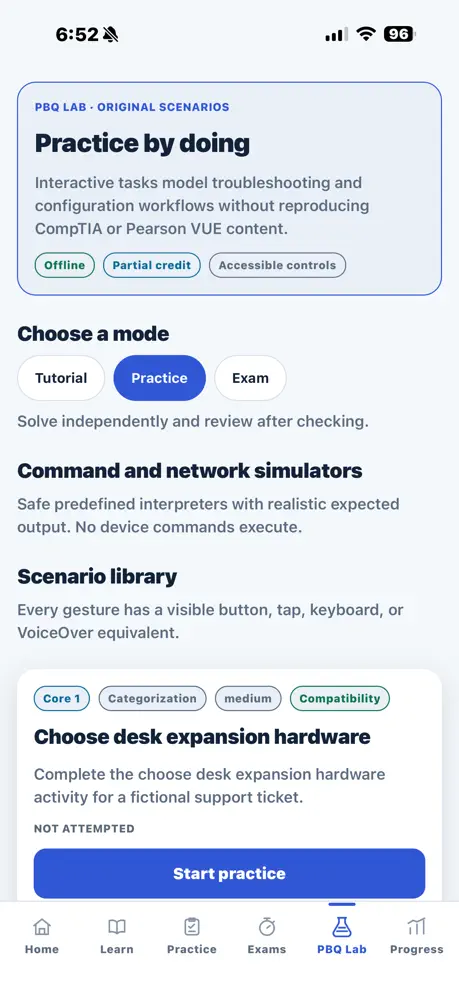
PBQ-style practice uses original scenarios and does not reproduce CompTIA or Pearson VUE exam content.
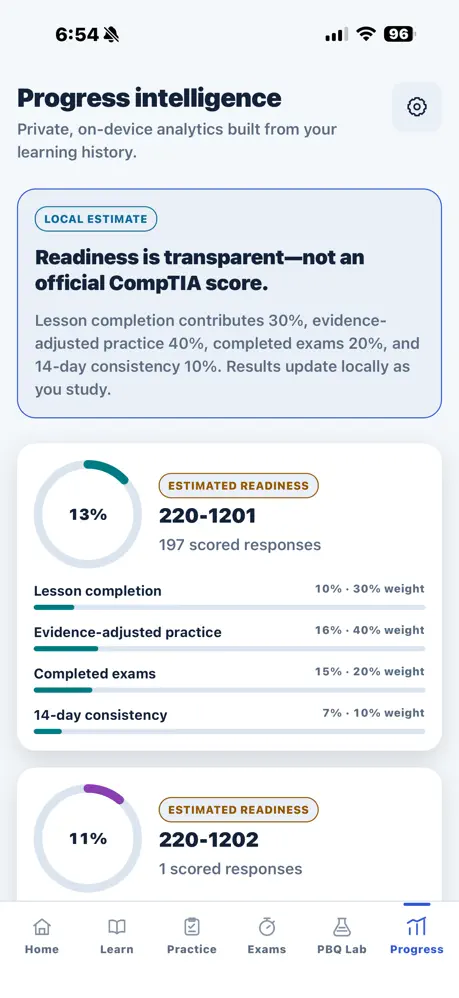
Progress intelligence
Turn every study session into a clear next step with at-a-glance performance insights for both exam cores.
One focused toolkit
Study the complete 220-1201 objective set.
Build confidence across every 220-1202 domain.
Experience timed, full-length simulations.
Apply knowledge through original scenarios.
Understand the reasoning behind each answer.
Know what is improving and what to study next.
Designed for your next step
Your preparation starts here
Study Core 1 and Core 2, practice realistic questions, identify weak areas, and build confidence before exam day.
Available for iPhone on the App Store